Formative assessment: how to use technology to find out whether students are learning
In the classroom, explaining a topic does not always mean that students have understood it. Sometimes an activity seems to have gone well, but when students have to apply what they have learned independently, questions, mistakes or previously unnoticed difficulties emerge.
Assessment should therefore not be reserved for the end of a unit or the moment a grade is awarded. It is also important to understand what is happening throughout the learning process.
Formative assessment allows teachers to gather information about students’ understanding, identify difficulties and adapt their teaching to emerging needs.
In this process, educational technology can be a useful tool. Interactive quizzes, digital activities, concept maps and real-time questions provide information about learning that teachers can use to make classroom decisions.
What is formative assessment?
Formative assessment is a process of gathering information about a student’s learning while it is taking place. Its purpose is to use that information to improve both teaching and learning.
Unlike assessment focused exclusively on final results, formative assessment focuses on the process: what a student has understood, where they are struggling and what they need to move forward.
For example, after explaining a science concept, a teacher can ask a short question to check understanding. If much of the class answers incorrectly, the teacher can pause, explain it differently or propose an extra activity before continuing.
In this way, assessment becomes more than a tool for measuring results: it becomes a guide for learning.
Formative and summative assessment: what is the difference?
Both forms of assessment matter, but they serve different purposes.
| Formative assessment | Summative assessment |
|---|---|
| Takes place during the learning process. | Usually takes place at the end of a unit, stage or activity. |
| Identifies progress and difficulties. | Evaluates the results achieved. |
| Helps adjust teaching. | Helps grade or certify learning. |
| Guides the next steps. | Checks achievement against set criteria. |
A final exam can show what students have learned, while a question asked during the lesson can reveal a difficulty before it becomes a bigger problem.
Formative assessment does not necessarily replace summative assessment. Both can complement each other to provide a fuller picture of learning.
How can technology support formative assessment?
Technology offers different ways to gather information about learning and helps teachers use that information during a lesson.
This does not mean digitising every activity or using technology in every session. Its value lies in helping teachers better understand how students are learning.
1. Check understanding in real time
One common classroom challenge is knowing whether every student is following the explanation.
Oral questions can help, but they do not always give a complete picture. Some students may not participate, or only the most confident students may answer.
Digital quizzes, multiple-choice questions and interactive activities make it possible to collect answers from more students in a short time.
For example, after explaining a maths concept, the teacher can ask a question with several possible answers. Reviewing the results shows whether most students have understood the method or whether a step needs revisiting.
2. Identify mistakes and concepts that cause confusion
Mistakes also provide valuable information about learning.
An incorrect answer may show that a student has not understood a concept, has applied a rule incorrectly or is confusing two related ideas.
Digital activities can pose targeted questions to uncover these mistakes and discuss them in class.
Instead of simply pointing out the correct answer, the teacher can use the results to ask why a particular option was chosen and work through the difficulties together.
3. Encourage every student to participate
Formative assessment needs to capture more than the answers of those who usually participate.
Digital tools offer different ways to respond: quizzes, written answers, interactive exercises and collaborative activities.
This gives students with different learning paces and participation styles more opportunities to show what they have understood.
Technology alone cannot guarantee equal participation, but it can help teachers design activities that make it easier to collect answers from the whole group.
4. Give feedback during learning
Feedback helps students understand what they have done well, where they made a mistake and how they can improve.
In a digital activity, an answer can be accompanied by an explanation, a hint or a suggestion to review certain material.
However, simply marking an answer right or wrong is not always enough. Useful feedback should help students understand the reason for the result and what they can do next.
5. Adapt teaching based on the results
Information collected during an activity is only valuable if it informs decisions.
If most of the class has understood a topic, the teacher can move on to an application task. If many students are struggling, the teacher can reinforce the explanation or offer new examples.
Technology makes it easier to collect answers, but interpreting the results and making teaching decisions remain the teacher’s responsibility.
5 formative assessment strategies using technology
There are many ways to include formative assessment in everyday classroom activities. These five strategies can be used across different subjects and age groups.
1. Quick quizzes during class
Digital quizzes can check understanding of a topic through short questions.
They can be used after an explanation, before a new activity or to review a previous lesson.
For example, in a history lesson, the teacher can ask several questions about events the class has studied. The answers reveal which concepts students remember and which need revisiting.
The point is not to use the quiz solely to produce a score. Its results should help decide how to continue the lesson.
2. Questions to identify common mistakes
Another strategy is to ask questions with answers that reflect common mistakes.
In a maths lesson, for example, the teacher can show an incorrectly solved problem and ask students to identify where the mistake occurred.
This reveals whether students understand the method, rather than merely being able to repeat it.
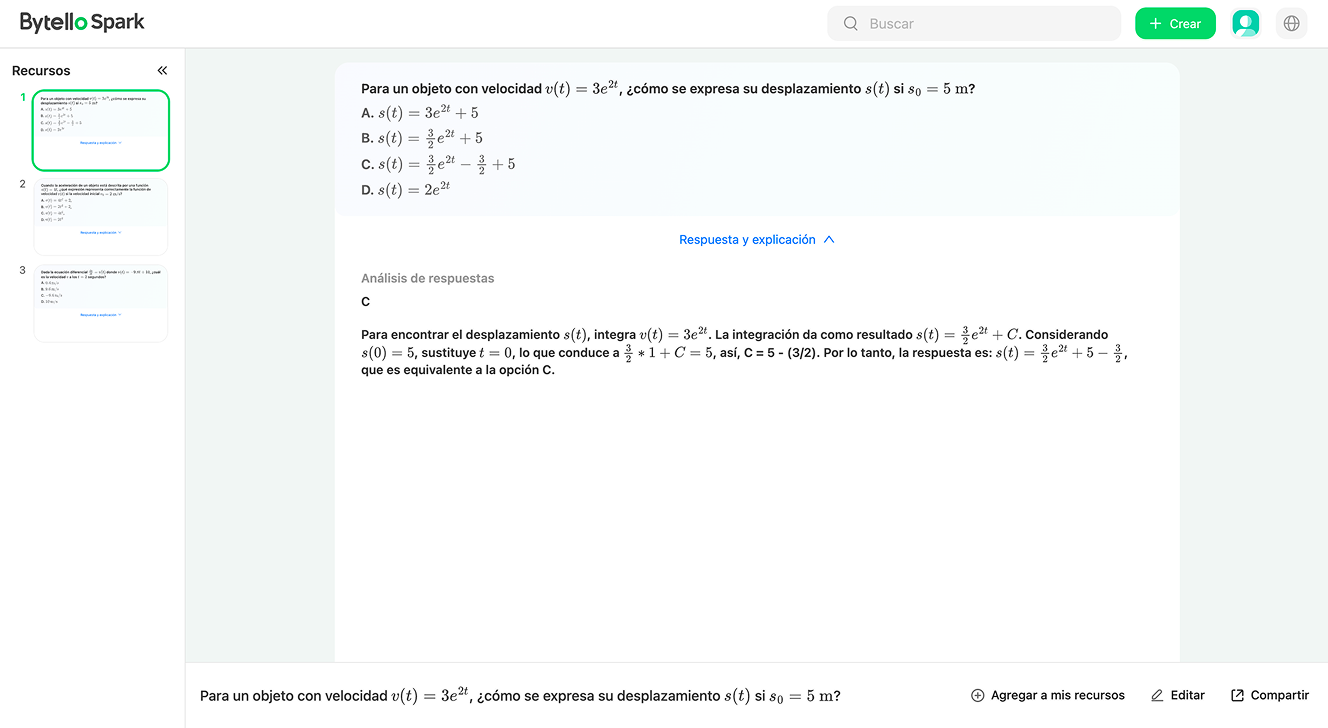
An interactive display can show the exercise, examine the different answers and work through it together.
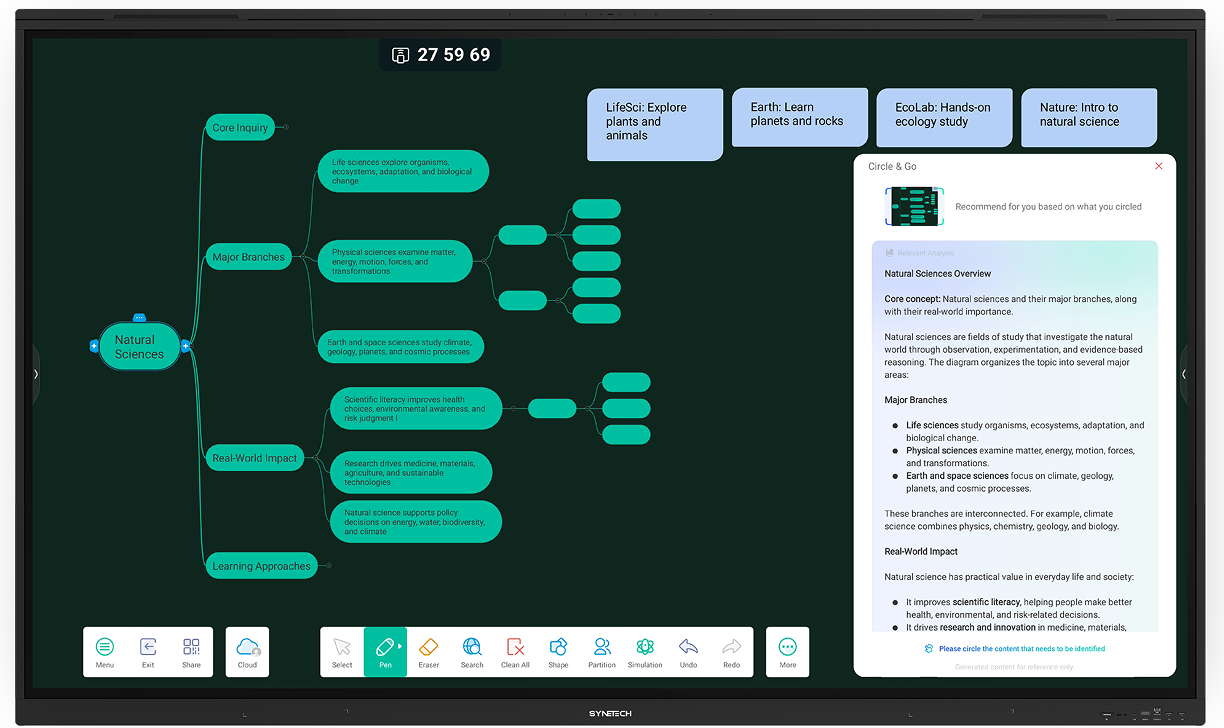
3. Digital concept maps
Concept maps help show the relationships between different ideas.
The teacher can ask students to organise a unit’s concepts and explain how they connect.
This helps reveal whether students understand a topic as a whole or only know its concepts in isolation.
For example, after studying a natural science topic, students can create a concept map linking the main terms. Reviewing those links helps the teacher spot possible confusion.
4. Digital exit tickets
An exit ticket is a short activity completed at the end of a lesson.
It can involve answering one or more questions such as:
- Which concept did you understand best today?
- What did you find most difficult?
- What question would you like to resolve in the next lesson?
- How would you apply what you learned in a different example?
With a digital tool, the teacher can collect the answers and review them before planning the next lesson.
This strategy helps reveal how students perceive their own learning and uncover difficulties that may not have appeared during the explanation.
5. Self-assessment and review activities
Formative assessment can also involve students in reviewing their own work.
Checklists and interactive activities let students assess whether they have met a task’s objectives.
For example, before submitting a presentation, they can check that it includes the necessary information, is well organised and meets the agreed criteria.
These activities develop the ability to recognise progress and spot areas that still need improvement.
How to integrate formative assessment into a lesson
Formative assessment need not become a separate activity or require complex planning. It can be included at different points in a lesson. A simple sequence might be:
1. Before starting: identify prior knowledge
Ask a short question or begin with an activity to discover what students already know about the topic.
2. During the explanation: check understanding
Ask questions or use exercises and short quizzes to see whether the concepts are being understood.
3. After the activity: analyse the results
Review the answers to see what students understood and where they struggled.
4. Adapt the next steps
Decide whether to reinforce the explanation, suggest an additional activity or move on to a more complex topic.
5. At the end: collect feedback
Use an exit ticket or reflection question to learn how students experienced the lesson and what they still need to work on.
This sequence makes assessment part of learning instead of concentrating it only at the end.
The role of interactive displays in formative assessment
Interactive displays can support formative assessment strategies, especially when they encourage participation and allow the class to discuss answers together.
Their value lies not only in displaying content, but also in allowing students to interact with it.
For example, during a lesson, the teacher can:
- Show a quiz and discuss the answers with the class.
- Solve an exercise on the display and examine the most common mistakes.
- Use interactive activities to check understanding of a concept.
- Organise ideas and relationships using concept maps.
- Share answers to compare different ways of solving a task.
Digital quiz creation tools also let teachers prepare assessment activities tailored to the topics being covered.
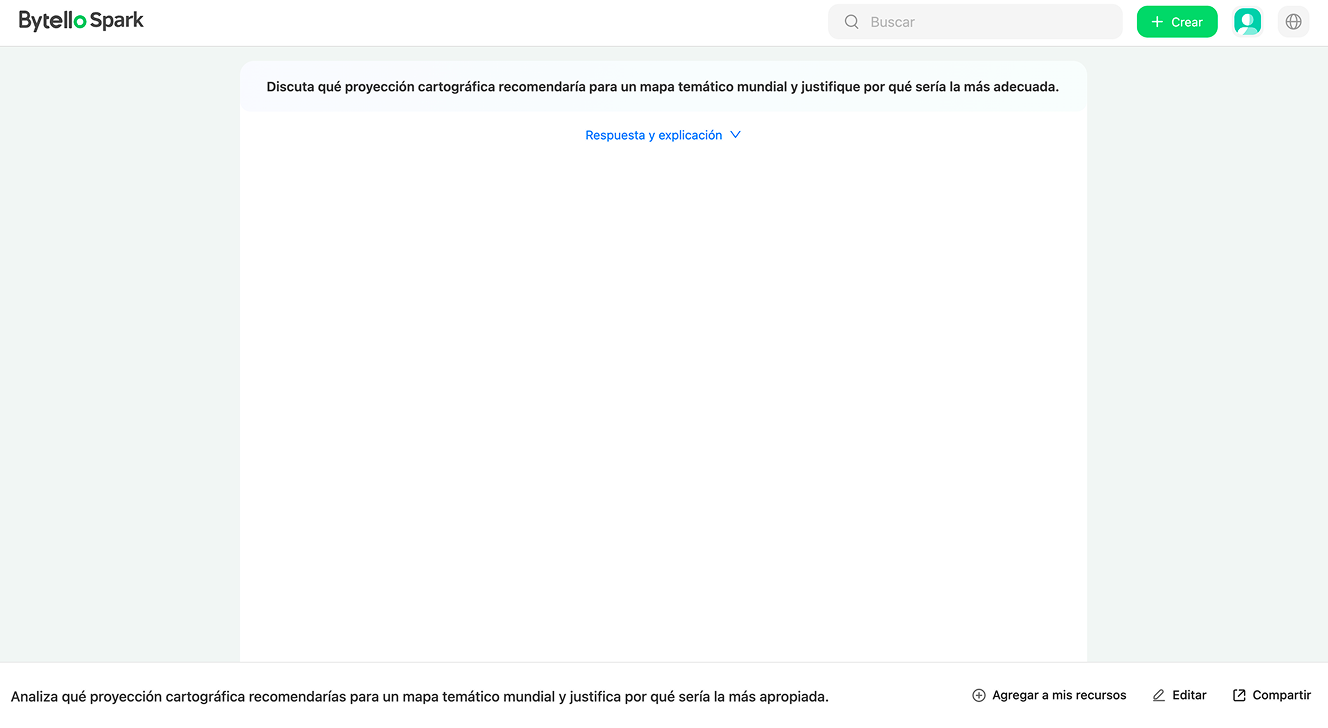
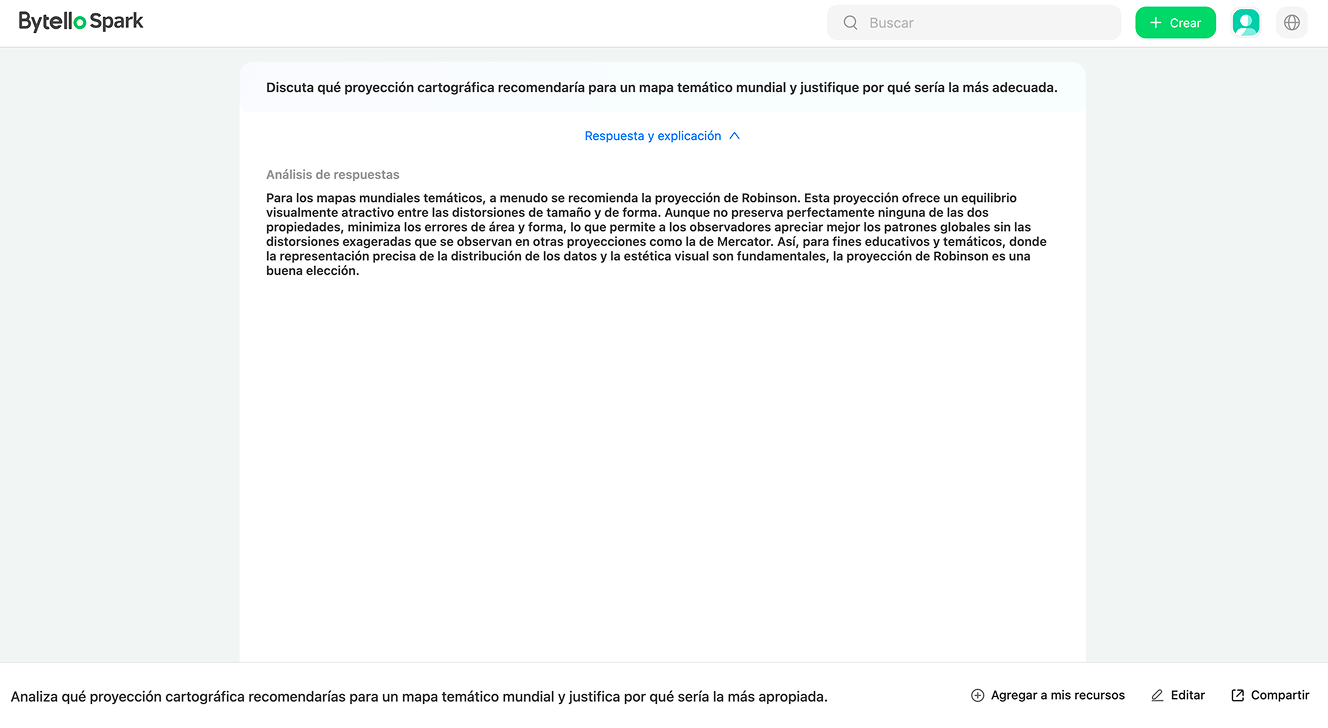
With SYNETECH Spark, teachers can create quizzes on a topic and use them to check students’ understanding during a lesson. They can also use quizzes already available on the platform, organised by subject, to work on different topics and cognitive levels.
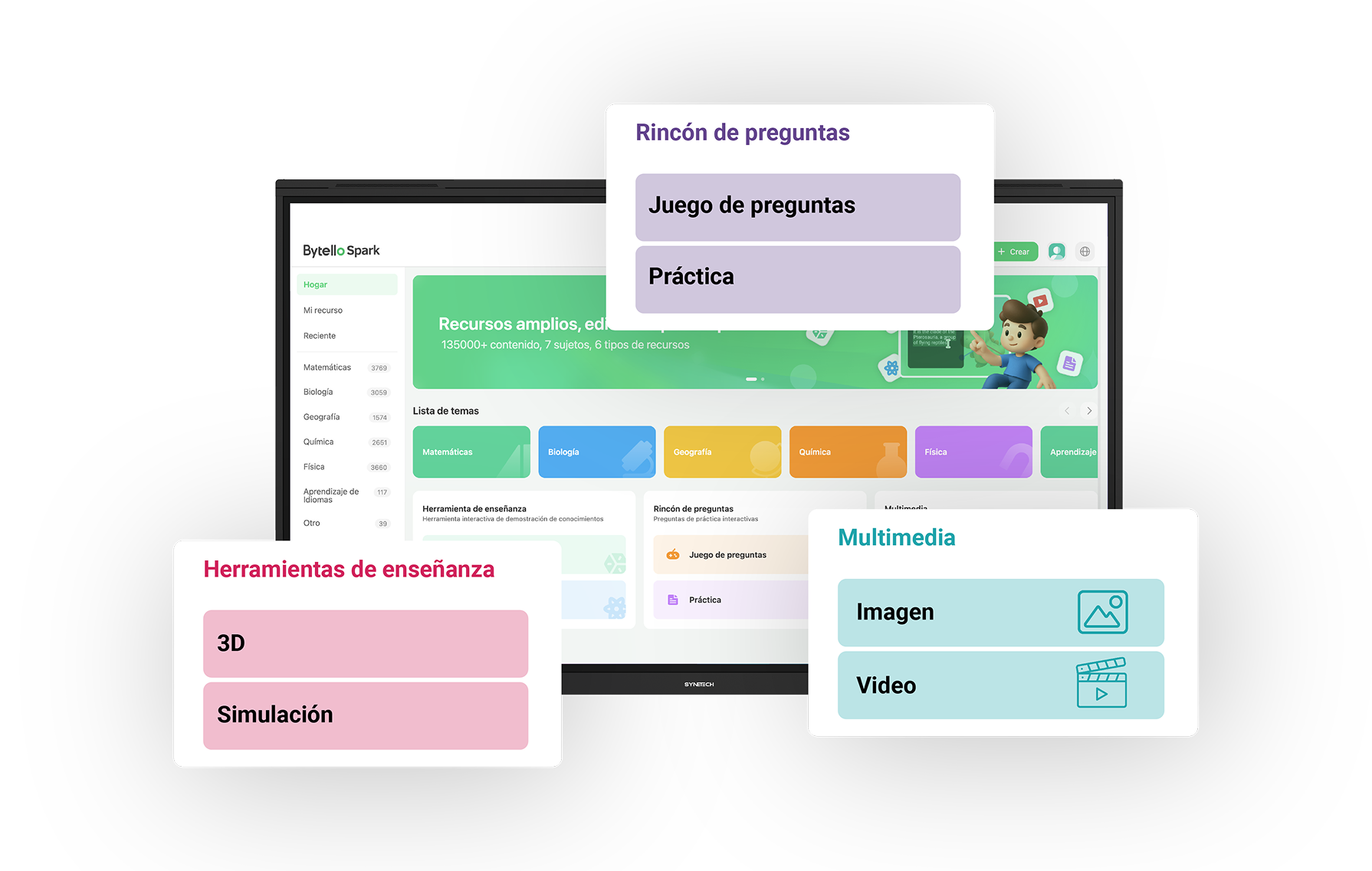
The key is to incorporate these tools into an assessment strategy: plan an activity, analyse the answers and use the information to guide the next steps.
Assess to improve learning
Formative assessment reveals what is happening during learning and makes it possible to act before difficulties build up.
Technology can help by offering new ways to collect answers, check understanding and provide feedback during class.
Its effectiveness, however, depends on how it is used. Adding quizzes or digital activities is not enough: teachers need to decide what to check, interpret the information and determine how to help students move forward.
When assessment is a regular part of teaching, each activity can become an opportunity to understand how students learn and what they need to keep progressing.
Technology does not assess learning on its own. Its real value lies in helping teachers make better educational decisions.