
Synetech Share

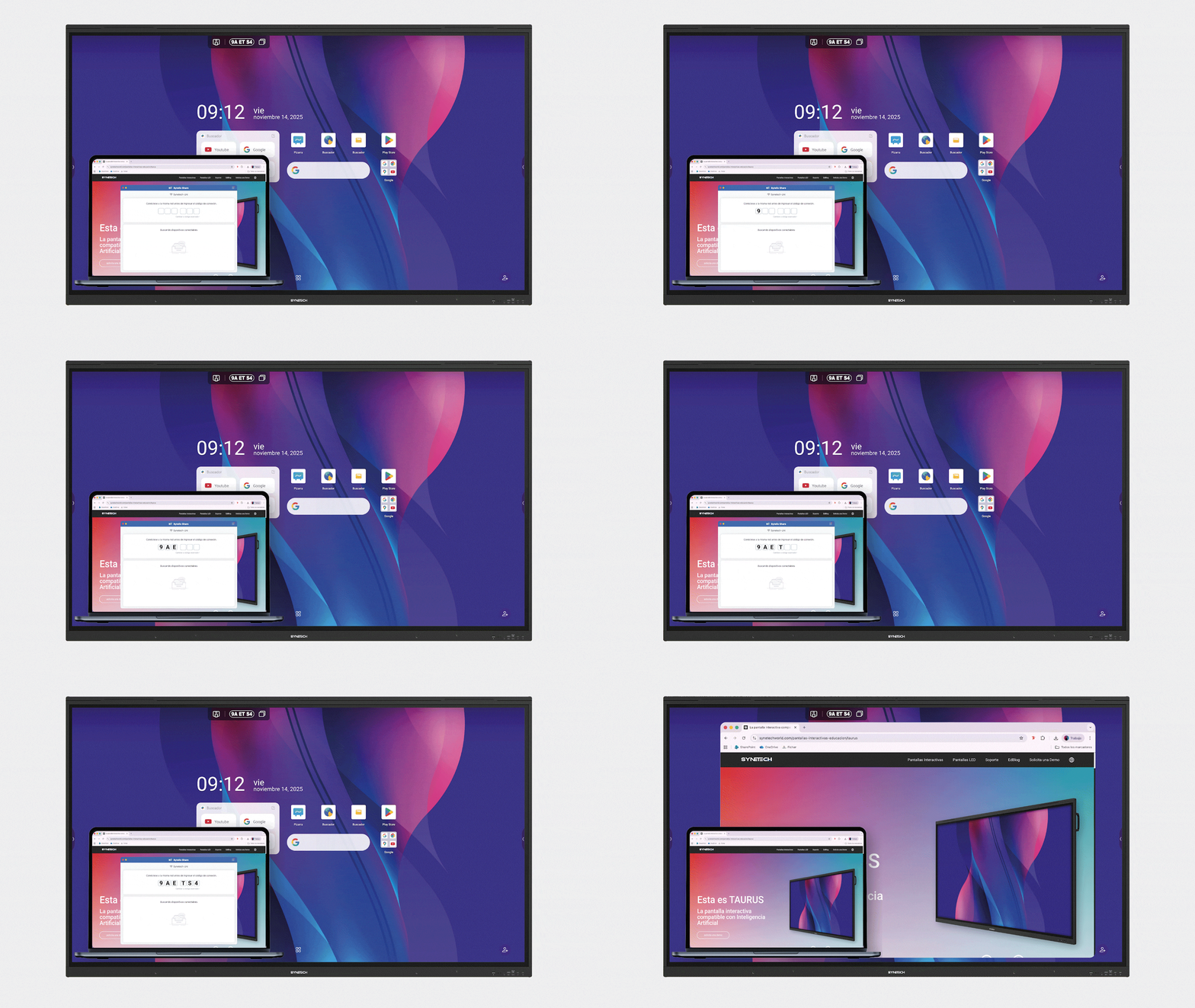
Share your screen from any device to your interactive display, wirelessly
Screen sharing has never been so easy
Why is Synetech Share the best software for your interactive display?
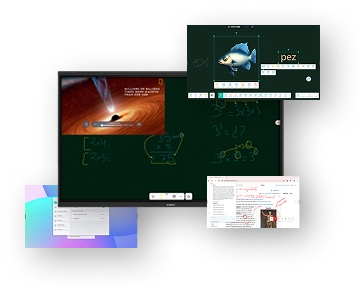
Flexible collaboration and multitasking : use other apps while sharing your screen
Optimize your work and learning experience with "floating window" mode, which allows you to share your screen without losing access to other applications like the digital board or web browser. Additionally, organize and adjust the order of shared screens for more efficient and dynamic collaboration.
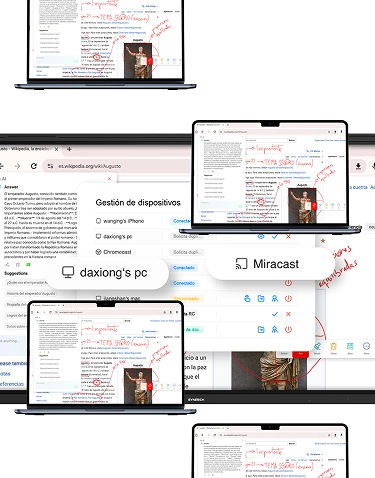
Duplicate content on an unlimited number of devices
Create a group of screens where the content of the interactive display is mirrored on an unlimited number of devices, allowing real-time interaction while always maintaining control: the teacher or moderator decides who can interact, managing the activation of the touch system for a secure and efficient collaborative experience.
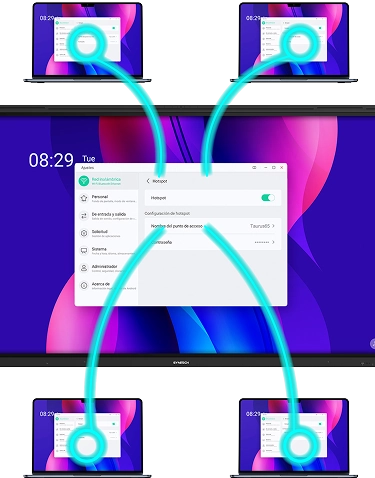
Limitless connection:
share your screen without needing to be on the main network
Our interactive displays generate an access point, allowing the software to share content without depending on the center's main network. Users can connect directly to this access point, facilitating secure and flexible screen transmission anywhere in the classroom or workspace.
Maximum compatibility
Synetech Share allows instant content sharing with AirPlay, Chromecast, or Miracast, without the need to access the main platform.