Digital Interactive Display Software
Software educativo Edsuite

Synetech OS

Synetech OS

The operating system for educational and conference environments
Android digital interactive display

The OS of Synetech interactive displays, based on Android

Synetech OS is designed to optimize the performance and security of Synetech interactive displays in educational centers and companies. Based on Android, it guarantees an improvement in user experience and the security of interactive panels.

Multiple tools that
inspire teaching

Customize your workspace

With Synetech OS, create a personalized user account tailored to your needs. Save your account settings, create shortcuts, and set specific preferences for a smoother and more efficient experience. Additionally, it allows for quick transitions between user accounts in shared environments.
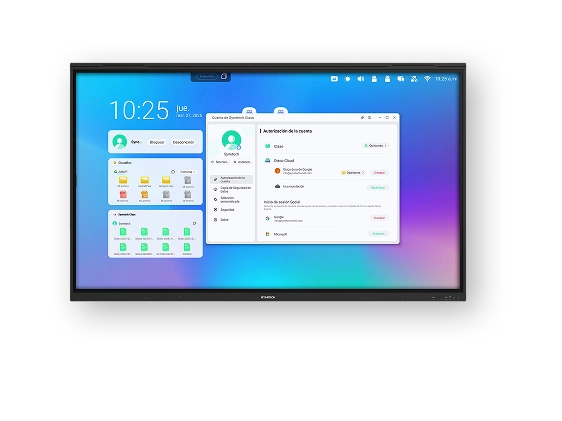
Customize the digital interactive display

Multiply your Productivity
on One Screen

Split the interactive display to work with multiple applications and content at the same time. Additionally, you can drag content from one window to another and adapt the dimensions of each window to your needs.
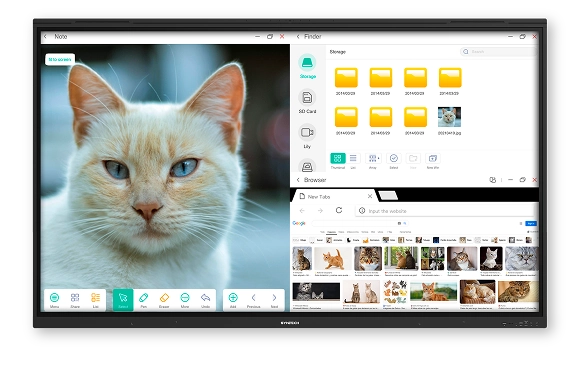
Multi-window on the interactive display
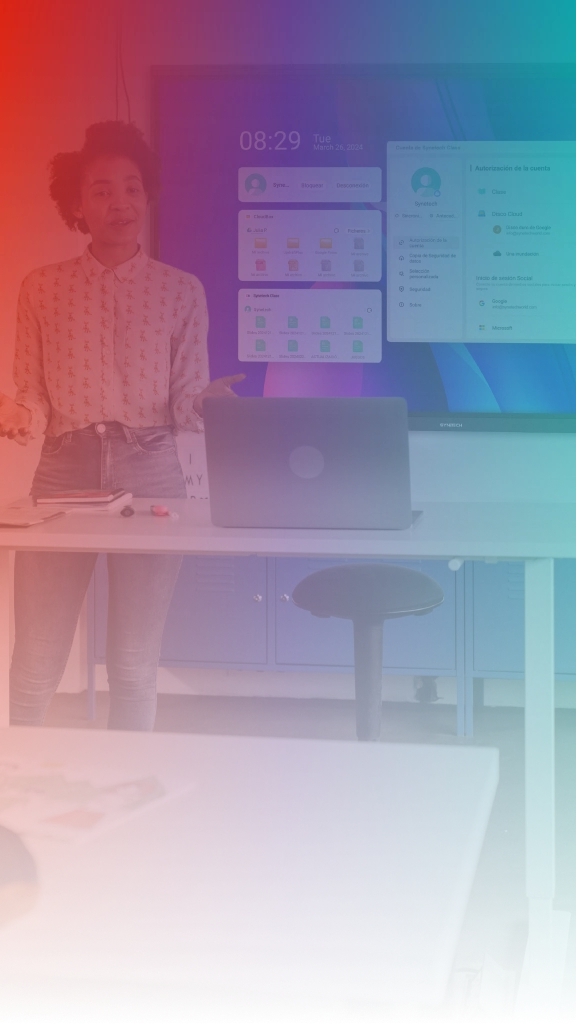
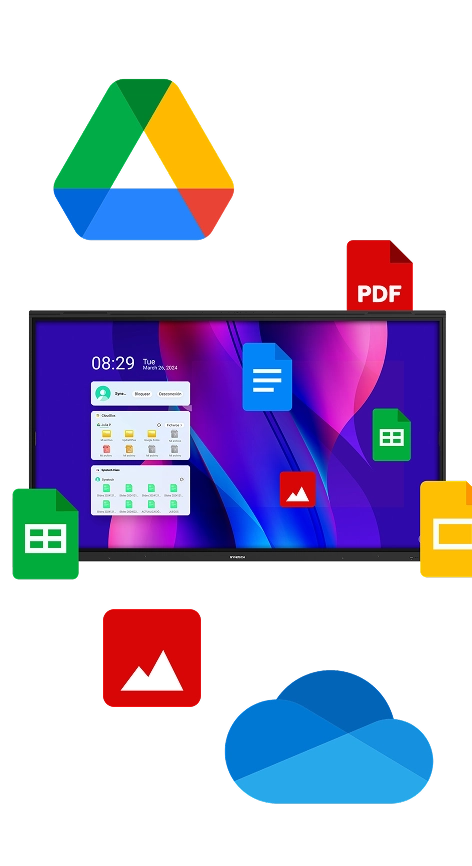
Interactive display compatible with Google and Microsoft

Instant Access
to your Cloud Files

Easily link your OneDrive or Google Drive accounts and access your documents directly from the interactive display, without the need for additional devices.

The intelligent board

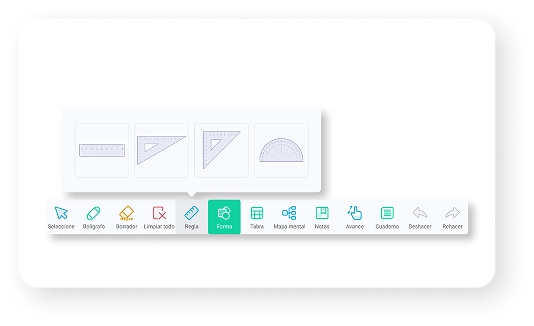
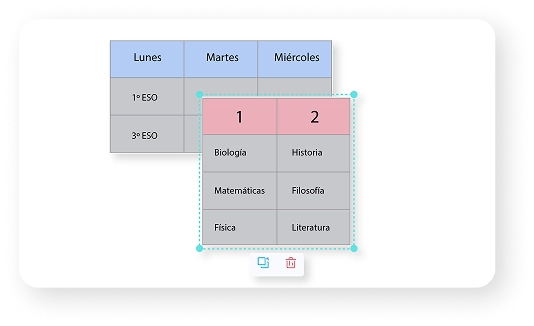
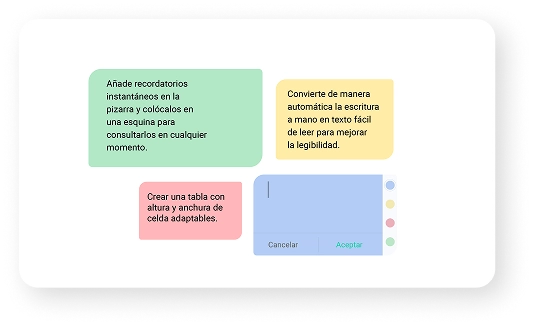
The Synetech OS intelligent board application is designed to maximize creativity and productivity, ideal for educational and collaborative environments. With features like handwriting and graphic recognition, intelligent table creation, and measurement tools such as a ruler, triangle, and protractor, it transforms your ideas into dynamic and interactive content.
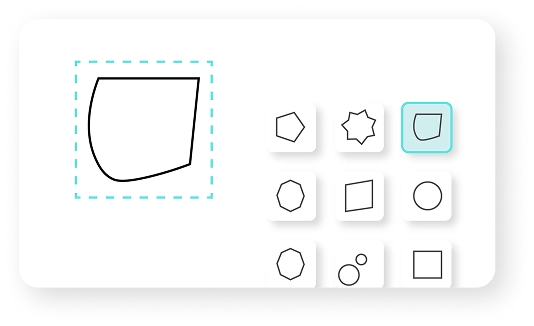
Shape recognition on the interactive display

Shape recognition

Text recognition on the interactive display

Text recognition

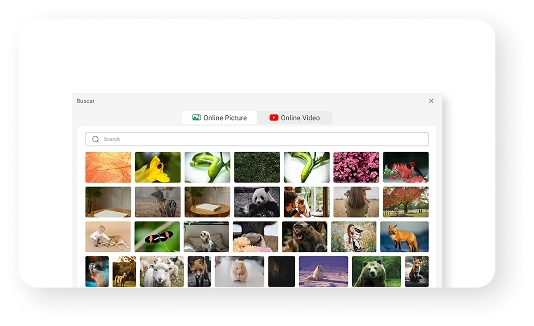
Image and video bank on the interactive display

Smart search

Digital board for mathematics

Measurement tools

Interactive table tool

Smart table

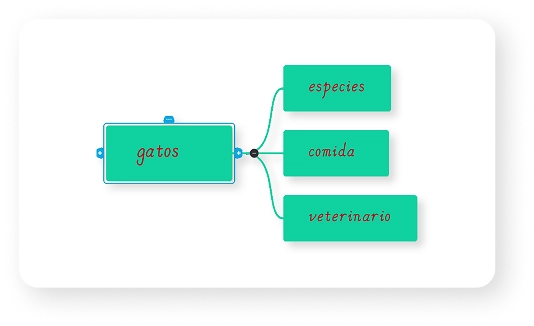
Interactive tool to create concept maps

Concept maps

Make annotations on the interactive display

Instant annotations

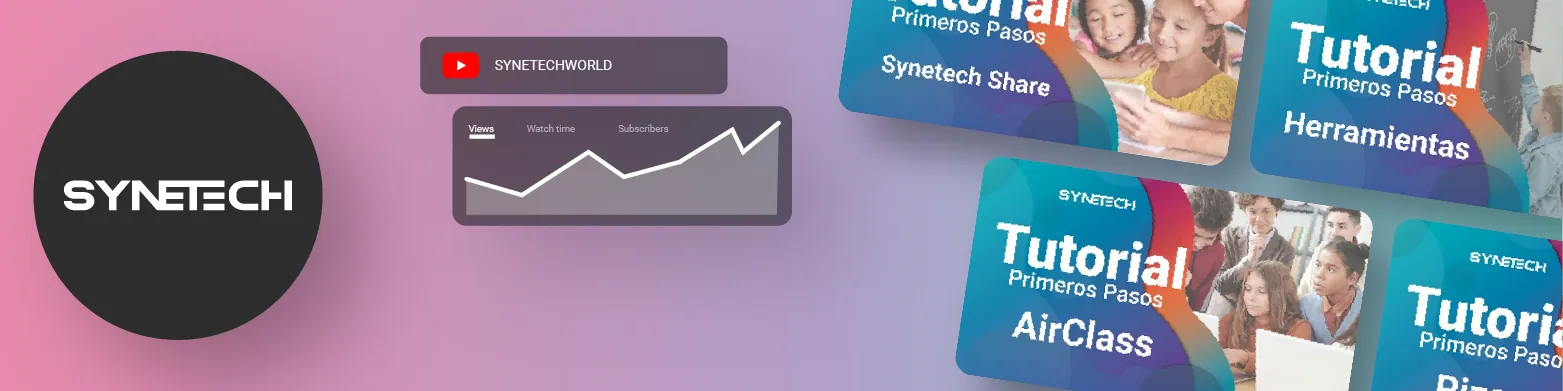
Access numerous tutorials and educational activity templates created with Synetech Class on our YouTube channel.

Why choose Synetech

Training for schools

We offer training in the use of interactive displays to optimize technology integration and encourage a dynamic and effective learning environment.

Specialized technical support

Our technical support service will ensure that the interactive displays operate at peak performance at all times, with fast assistance.

Guaranteed recycling

We offer an interactive display recycling service, ensuring proper and environmentally friendly disposal.

5-year warranty

We offer a 5-year warranty on our interactive displays, providing peace of mind and full support for the daily use of educational technology.

Discover our

Training for schools

From Synetech we offer specialized training for ICT coordinators and teachers in the use and implementation of our interactive displays. Our goal is to facilitate the integration of this innovative tool into the classroom, enhancing student engagement and creating dynamic, effective learning experiences. Through practical, personalized sessions, we teach you how to get the most out of our interactive whiteboards, adapting this technology to the educational platforms used by your school.

Step into the future of education with the guidance of our experts!

Have a question? Contact us