How to apply
b-learning?
What is b-learning?
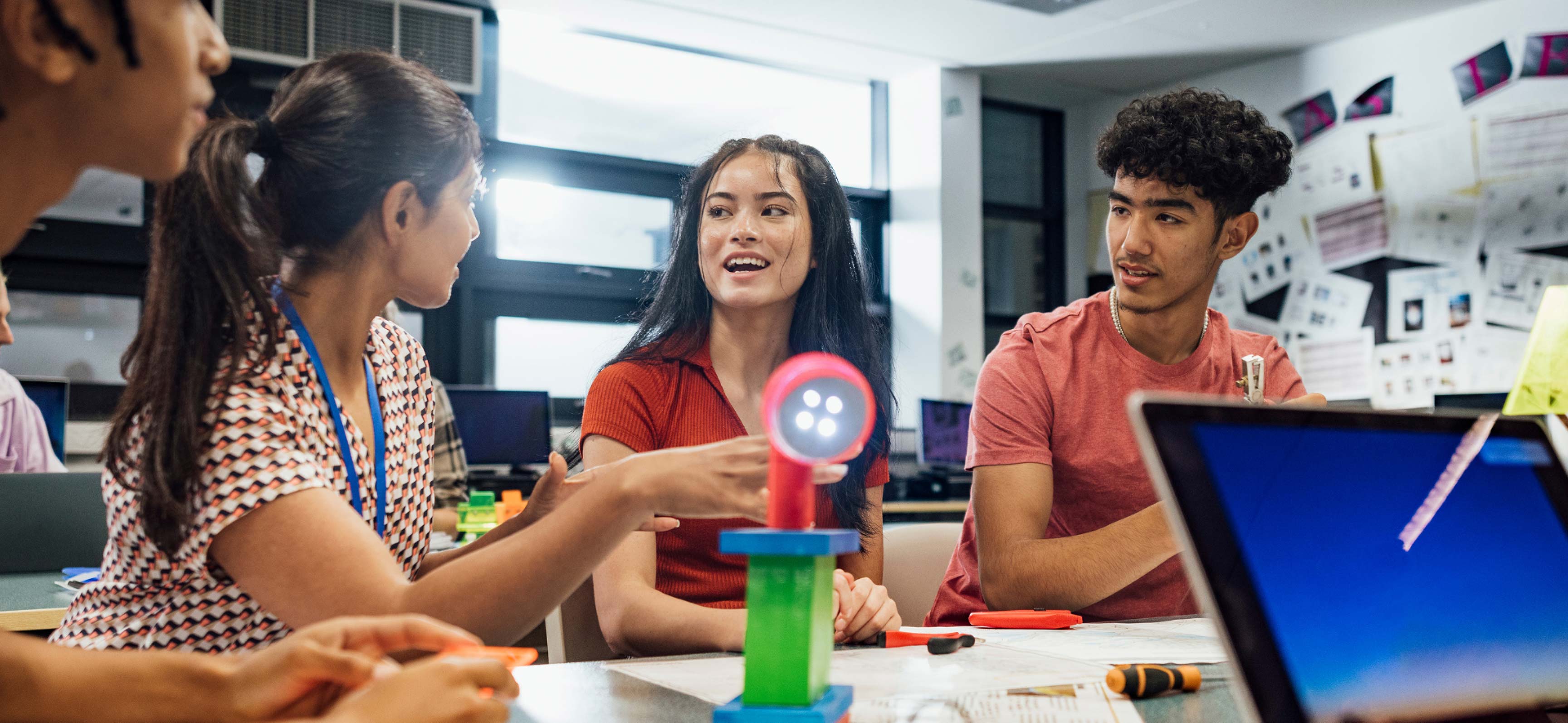
By combining face-to-face and virtual elements, b-learning gives you access to digital resources and lets you interact with classmates and teachers in a physical setting. This flexibility supports self-paced learning, collaboration and the exchange of ideas.
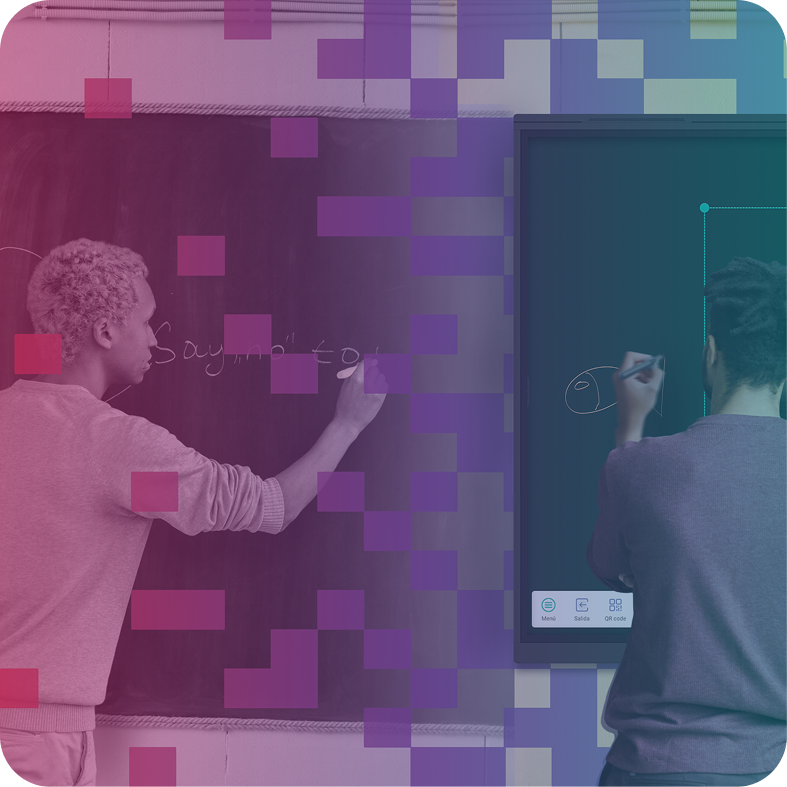
B-learning is more than combining classroom and online lessons. It also includes virtual learning platforms, multimedia resources, interactive apps and interactive displays, which support active participation and collaborative learning.
Benefits of b-learning
B-learning offers many benefits to both students and teachers. These are some of its main advantages:
Flexibility: Combining face-to-face and online learning lets you access study materials anywhere and at any time, according to your learning pace and lifestyle.
Enhanced interaction: B-learning encourages richer interaction between students and teachers. Classroom sessions support discussion, questions and teamwork, while online components provide continuous communication and personalised follow-up.
Access to diverse resources: B-learning combines traditional resources with multimedia content, interactive simulations, discussion forums and online collaboration tools to enrich the learning experience.
B-learning statistics
A comparative study of ICT competencies by (Flores & Meléndez, 2021), involving 81 participants, produced satisfactory b-learning results. The average grades of the 81 participants are broken down as follows.
44 b-learning students with a grade of 9.01.
37 e-learning students with a grade of 8.69.
The b-learning programme has a higher average than the e-learning programme. This may be due to a more effective theoretical-practical approach that balances face-to-face and virtual learning.
Strategy for implementing b-learning
Successful implementation requires a well-planned strategy that considers several factors. Here are some key steps for developing an effective strategy:
Define learning objectives: Set clear, measurable goals for b-learning. They will guide the selection of suitable content, activities and tools.
Assess students' needs: Analyse your students' characteristics, preferences and prior knowledge to adapt b-learning to their specific needs.
Select suitable tools and technologies: Choose online learning platforms, collaboration tools, multimedia resources and devices such as interactive displays that fit your objectives and students' profile.
Design a balanced curriculum: Combine face-to-face and online components so that they complement and reinforce one another. Decide which content belongs in each format and how it will be integrated.
Train teachers: Provide training in the selected tools and technologies and in best practices for facilitating learning in a b-learning environment.
Encourage participation and collaboration: Promote interaction and teamwork in the classroom and online. This will strengthen students' engagement and improve their experience.
Evaluate and adjust continuously: Monitor progress and collect feedback to identify improvements. Adjust the strategy as needed to maximise b-learning's effectiveness.
Following these steps will help you develop a solid strategy, make the most of b-learning and offer an enriching experience adapted to your students' needs.
Tips for using interactive displays effectively
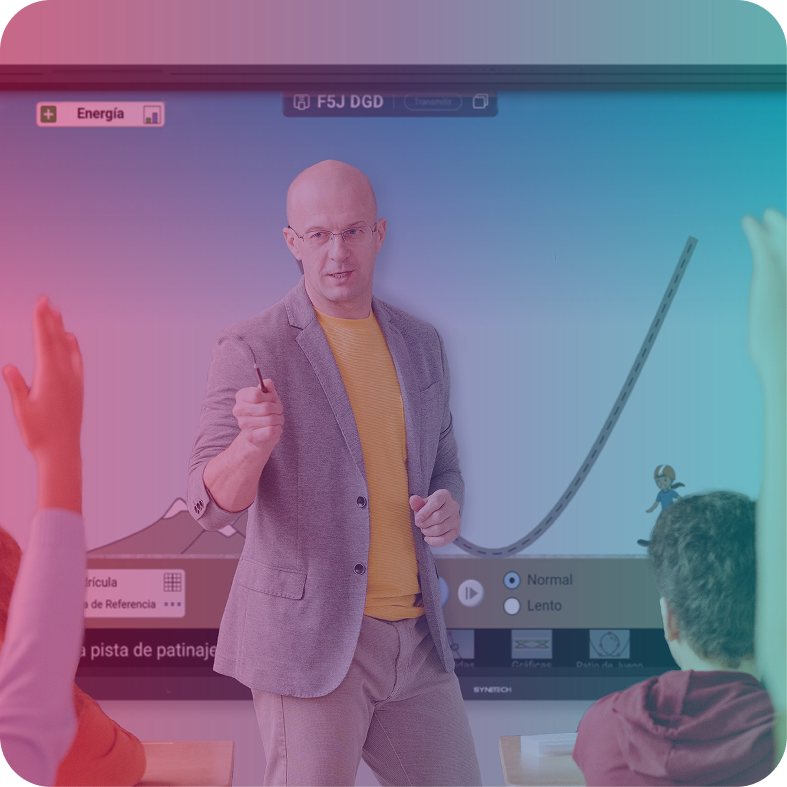
Interactive displays are powerful b-learning tools because they enable active participation and dynamic classroom collaboration. Here are some tips to make the most of them:
Make the most of interactive features: Use features such as real-time annotation, handwriting recognition, saving and sharing content, and integration with other educational tools.
Encourage student participation: Involve students in using the interactive display. Let them interact with content, solve exercises and present their ideas visually.
Use engaging multimedia resources: Include videos, images, presentations and interactive simulations to make lessons more engaging and stimulating.
Promote group collaboration: Use interactive displays to encourage teamwork. Divide students into groups and assign tasks or projects requiring interaction and joint problem-solving.
Integrate annotation and markup tools: Highlight key points, add notes and explanations in real time, and encourage active participation.
Create personalised content: Use interactive displays to design lessons, activities and resources adapted to students' specific needs.
Record and share lessons: Many interactive displays can record lessons and share them for later review or for students who could not attend in person.
Keep the environment organised and accessible: Keep the interactive display environment organised and easy to navigate to support participation and follow-up.
These tips will help you use interactive displays to their full potential in b-learning and foster more interactive, collaborative and effective learning.
Conclusions
B-learning combines the best of face-to-face and online environments, providing an enriching experience adapted to students' individual needs. When implemented effectively with tools such as interactive displays, it encourages participation, collaboration and meaningful learning.
The success of your b-learning strategy depends on careful planning, suitable tools, teacher and student training, and a focus on participation and collaboration. Seek professional advice if necessary, as successful implementation can improve academic performance and student satisfaction.
Explore the world of b-learning and its apps.
Thanks to Google's EDLA certificate on our interactive displays.
References
Flores, L., & Meléndez, C. (2021).

Shall we talk?
Contact us for more information about SYNETECH's audiovisual solutions. Our professionals will contact you as soon as possible.