pantallas-interactivas-educacion.taurus-v.image_alt_bg

This is Taurus - V

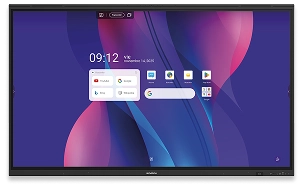
The most complete interactive display on the market for classroom digitalization.
pantallas-interactivas-educacion.taurus-v.image_alt_display

Highlights of Taurus-V

Google EDLA certification on interactive display

Google Certified.

Full integration with Google Workspace.
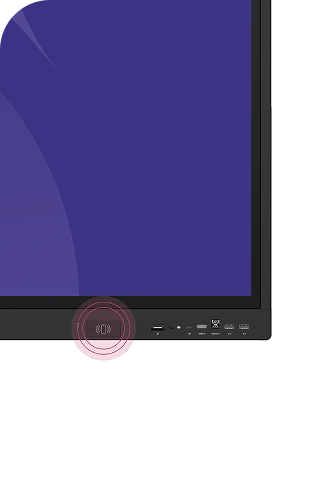
NFC system for pairing

Pair devices and access your account with NFC technology.
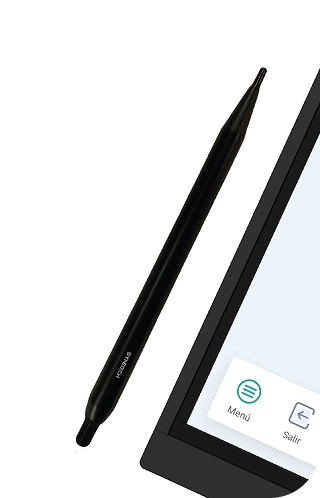
High writing precision on the educational interactive display

Create,
draw,
write
without friction.

Touch precision under 1mm
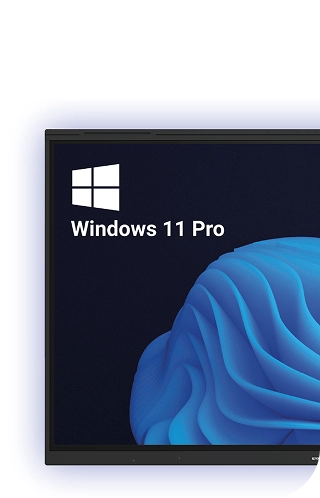
Interactive display with Windows 11 Pro

Do you work with Windows?

Add a Synetech OPS PC.

Immerse yourself in an immersive sensory experience
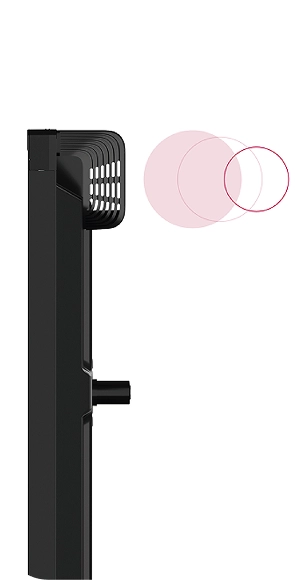
Interactive display with speakers

2 subwoofers.

Interactive display with included microphones

8 integrated microphones with a range of up to 10 meters.

Intuitive touch writing: uninterrupted in the classroom.

With Taurus-V, interacting has never been so easy. Annotate, correct, and manage content continuously, with the same natural flow as a conventional board.

Write with the stylus, erase with your hand, select with your finger, and even lean on the screen without interfering with the touch system.

Additionally, with the Mark tool, you can highlight content while continuing to interact with the display.
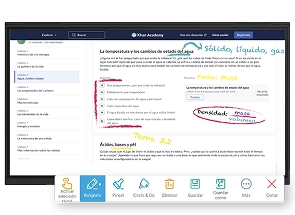
Writing on a document on the interactive display
What to do with an obsolete monitor in education

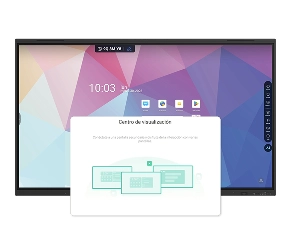
Extend screen.

Work on different screens simultaneously with Taurus-V. Thanks to its Display Center function, you can extend windows to other monitors, even third-party ones, inheriting all the potential of Taurus-V.

Don't get rid of your obsolete monitor; expand its functions with Taurus-V!
How to split screen on an interactive display

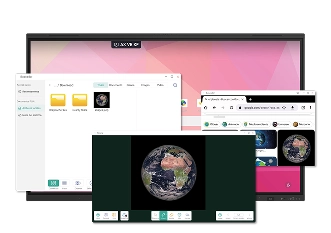
Split screen.

Discover the multi-window function and start working on several applications or documents simultaneously, without having to open different windows! You can even drag an image from the browser to the board to work on it.
Software included in interactive display

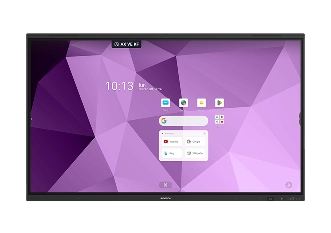
The educational software for your interactive display.

All Synetech interactive displays include educational software to get the most out of classes.

From multiple tools (recording, voting system, marking) to platforms for creating interactive activities and sharing the screen bidirectionally and wirelessly.
Compatible with Synetech AI

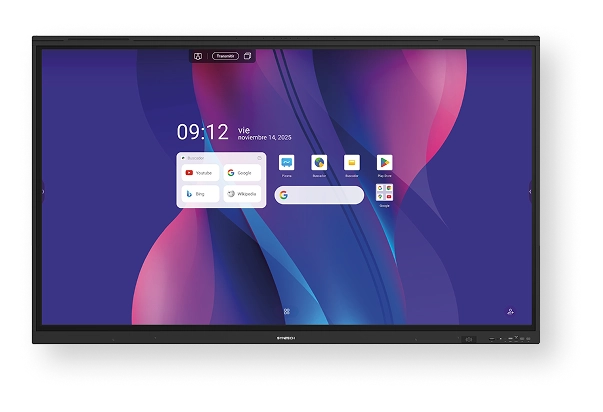
Ask AI

Circle & Go

Video Pilot

Translation

Suggested topics

Concept maps

Image creation

Calculator Pro

Which display best suits your needs?

Taurus-V
Display
Operating System
Touch System
Audio
Power
Connectivity
Software
Select your display

Why choose Synetech

Training for schools

We offer training in the use of interactive displays to optimize technology integration and encourage a dynamic and effective learning environment.

Specialized technical support

Our technical support service will ensure that the interactive displays operate at peak performance at all times, with fast assistance.

Guaranteed recycling

We offer an interactive display recycling service, ensuring proper and environmentally friendly disposal.

5-year warranty

We offer a 5-year warranty on our interactive displays, providing peace of mind and full support for the daily use of educational technology.

Discover our

Training for schools

From Synetech we offer specialized training for ICT coordinators and teachers in the use and implementation of our interactive displays. Our goal is to facilitate the integration of this innovative tool into the classroom, enhancing student engagement and creating dynamic, effective learning experiences. Through practical, personalized sessions, we teach you how to get the most out of our interactive whiteboards, adapting this technology to the educational platforms used by your school.

Step into the future of education with the guidance of our experts!

Have a question? Contact us