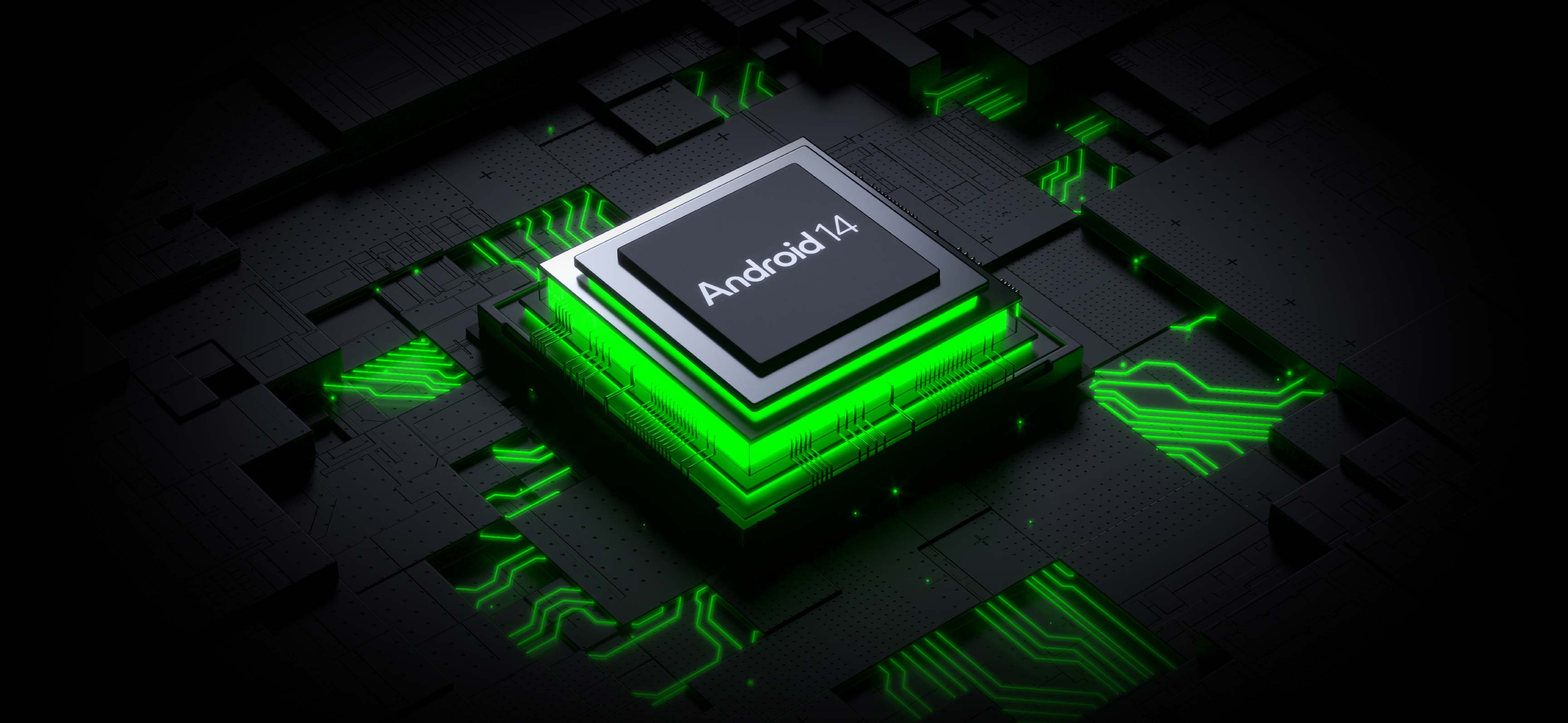
Android 14
and the PISCIS display
Android 14 on our Piscis interactive display
Key features of Android 14 on Piscis
The addition of Android 14 to our Piscis interactive panel brings a range of innovative features that significantly enhance its functionality in educational environments. This operating system, designed to provide optimal performance and an improved user experience, is perfectly suited to the specific needs of classrooms.
An intuitive, customisable user interface.
It provides advanced multi-user management, ideal for educational environments where different teachers and classes use the same device.
The integration of Android 14 also improves compatibility with a wide range of educational applications.
Our Piscis display, equipped with 8 GB of RAM, makes the most of Android 14's capacity, allowing more applications to remain in the background without compromising performance.
Collaboration and communication tools
The integration of Android 14 into our Piscis interactive display has significantly enhanced collaboration and communication capabilities in educational settings. This new update has brought a series of improvements that facilitate more dynamic interaction and greater productivity between students and teachers, both in the physical classroom and in remote or hybrid learning scenarios. Thanks to these improvements, students can participate more actively in classes, share ideas and work as a team more efficiently.
In addition, our EdSuite educational software complements these tools by providing a complete, customisable digital environment for learning and collaboration. With AirClass and Synetech Class, teachers can create and share educational content and assign tasks, all in one place.
The integration of Android 14 into our Piscis interactive display and the use of EdSuite have transformed the way students and teachers collaborate and communicate in educational settings, providing a richer and more effective learning experience.
Integration with the educational ecosystem
The integration of Android 14 into our Piscis interactive display has opened up new possibilities for creating a cohesive and efficient digital educational ecosystem. This synergy between advanced hardware and cutting-edge software enables a smoother, more connected learning experience, benefiting both teachers and students.
One of the most notable features is improved compatibility with Google for Education. Piscis with Android 14 integrates seamlessly with tools such as Google Classroom, Google Meet and Google Drive through its Google EDLA certification, enabling teachers to manage classes and share resources more efficiently. This integration streamlines the transition between in-person and remote learning, a crucial aspect of today's educational landscape.
Android 14 on Piscis provides a unified user experience with other Android devices used in the classroom. Students and teachers can easily synchronise their accounts and access their files and applications on the interactive display, creating seamless continuity between personal mobile devices and the classroom screen.
Customisation and adaptability
One of the most notable features is the ability to fully customise the user interface. Android 14 on Piscis allows users to change icon layouts, create custom shortcuts and design themed workspaces. Teachers can configure different display profiles for different subjects or educational levels, optimising access to the most relevant tools and resources for each learning context.
Android 14 introduces a widget system that is more advanced and flexible. Piscis users can add and configure interactive widgets on the home display, providing quick access to key information such as class schedules, task reminders or educational news feeds. This functionality helps teachers maintain an efficient workflow and stay up to date with classroom activities.
Adaptability also extends to accessibility options. Android 14 on Piscis offers a wider range of accessibility settings, including enhanced text-to-speech options, contrast and colour adjustments, and support for alternative input devices. This ensures that the interactive display is inclusive and usable by students with different needs and abilities.
Security and privacy improvements
The implementation of Android 14 on our Piscis interactive display brings a robust set of security and privacy improvements, which are crucial in today's educational environment. These updates not only protect sensitive student and teacher data, but also ensure a safe and reliable digital learning environment.
Android 14 on Piscis enables more detailed control over the permissions granted to applications. Administrators and users can now specify exactly what type of access is granted to each application, limiting exposure of sensitive data and reducing the risk of unauthorised access.
Performance optimisation with Android 14
The integration of Android 14 into our Piscis interactive display has brought significant performance optimisation, taking the user experience to new levels of efficiency and fluidity.
One of the most significant improvements can be seen in start-up speed and switching between applications. Thanks to optimisations and more efficient management of system resources, Piscis with Android 14 starts up faster and lets users switch between different applications almost instantly. This responsiveness is particularly valuable in educational contexts, where class time is limited and a smooth transition between activities is essential.
Lastly, Android 14 introduces improvements in RAM management. Our Piscis display, equipped with 8 GB of RAM, makes the most of this capacity, allowing more applications to remain in the background without sacrificing performance, thus facilitating multitasking and quick access to educational resources.
Conclusion
The versatility and power of Android 14 on Piscis allows teachers to create more immersive, interactive and personalised learning experiences.
From advanced content management to real-time collaboration tools, including enhanced assessment and tracking capabilities, our Piscis interactive display is positioned as a comprehensive platform for modern education.
Be informed of all the educational news
Shall we talk?
Contact us for more information about SYNETECH's audiovisual solutions. Our professionals will contact you as soon as possible.